
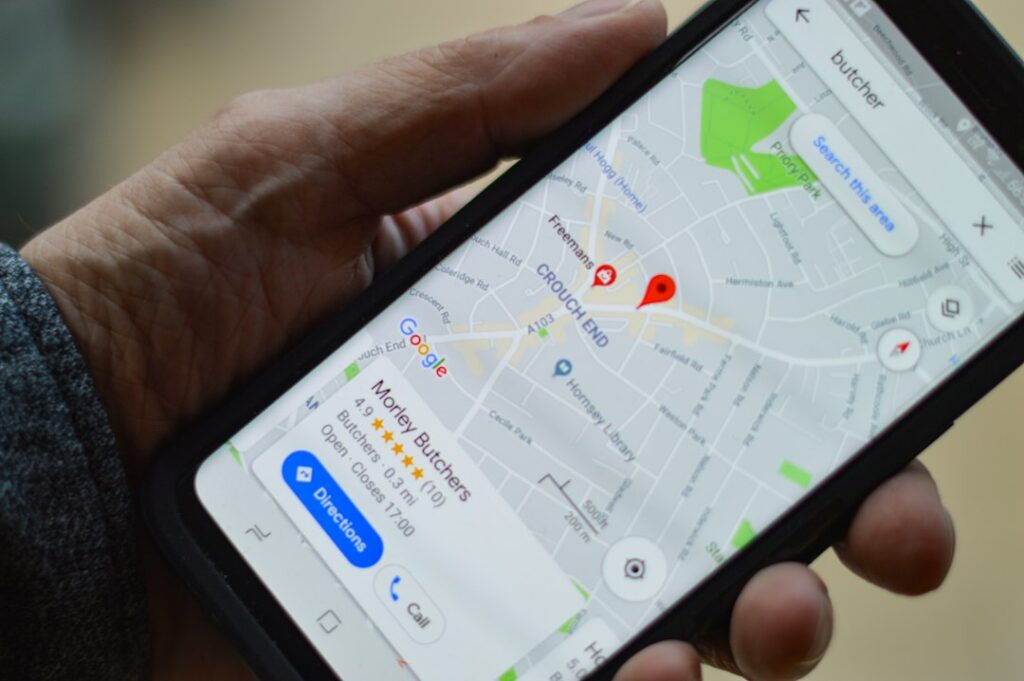
When someone in Vancouver searches for “coffee shop near me,” “emergency plumber Burnaby” or “dentist in Kitsilano,” the first results they see usually aren’t websites. They’re the map listings at the top of Google, pulled straight from each company’s Google Business Profile. For many local businesses, that profile drives more calls and visits than the website itself.
The good news: Google Business Profile is free, and most of your competitors are only using a fraction of what it offers. This guide walks you through how to optimize your profile step by step so your Vancouver business shows up more often and turns more searches into customers.
Why Google Business Profile Matters So Much in Vancouver
Vancouver is a dense, competitive market. In neighbourhoods like Yaletown, Gastown or Commercial Drive, a single search can return dozens of businesses within a few blocks. Google decides which ones appear in the local “map pack” based on three broad factors:
- Relevance: how well your profile matches what the person searched for.
- Distance: how close you are to the searcher or the location they mentioned.
- Prominence: how well known and trusted your business appears, based on reviews, links, mentions and activity.
You can’t move your storefront closer to every customer, but you can control relevance and prominence. That’s what optimization is all about.
Step 1: Claim and Verify Your Profile
Search for your business name on Google Maps. If a listing already exists, claim it; if not, create one at business.google.com. Complete verification as soon as possible, because unverified profiles have limited visibility and can be edited by others. Use an email address the business controls long term, not a former employee’s personal account.
Step 2: Choose the Right Primary Category
Your primary category is one of the strongest relevance signals on your profile. Be specific: “Italian restaurant” beats “Restaurant,” and “Personal injury attorney” beats “Lawyer.” Then add a handful of secondary categories that genuinely describe what you offer. A quick way to research this is to look at the categories your top-ranking Vancouver competitors use.
Step 3: Get Your Name, Address and Phone Number Consistent
Your business name, address and phone number (often called NAP) should match exactly across your profile, your website and directories like Yelp, Yellow Pages and industry listings. Inconsistent details, such as an old suite number or a different phone line, can confuse Google and weaken your local rankings. Use your real business name, too; adding keywords like “Best Vancouver Plumber” to your name breaks Google’s guidelines and can get your profile suspended.
Step 4: Set Up Service Areas Properly
If you travel to customers, such as contractors, cleaners, movers or mobile services, set your service areas to the cities and regions you actually cover: Vancouver, Burnaby, Richmond, North Vancouver, Surrey and so on. If customers don’t visit your location, you can hide your address. Keep the list realistic, since claiming the entire Lower Mainland won’t help you rank everywhere.
Step 5: Write a Helpful Business Description
You have up to 750 characters to describe your business. Lead with what you do and who you serve, mention the neighbourhoods or cities you work in, and include what makes you different. Write it for people, not search engines; a natural mention of “Vancouver” and your core services is enough.
Step 6: Add Services, Products and Attributes
Fill in your services or products list with clear names and short descriptions. Add relevant attributes, such as wheelchair accessible, online appointments or women-owned. These details help Google match you to more specific searches and help customers decide before they ever click.
Step 7: Upload Real Photos Regularly
Profiles with real, recent photos look more trustworthy than those with a single logo. Upload your exterior (so people recognize you from the street), interior, team, and work in progress or finished projects. Skip heavy stock imagery. Adding new photos every month also signals that your business is active.
Step 8: Keep Your Hours Accurate, Including Holidays
Few things frustrate customers more than showing up to a closed door. Update your hours whenever they change and set special hours for statutory holidays like Canada Day, BC Day and Thanksgiving. Accurate hours protect your reputation and your reviews.
Step 9: Post Updates
Google Business Profile lets you publish updates, offers and events directly on your listing. Share seasonal promotions, new services, recent projects or upcoming events once or twice a month. It keeps your profile fresh and gives searchers another reason to choose you.
Step 10: Earn and Respond to Reviews
Reviews are one of the biggest prominence signals and one of the first things customers read. Ask happy customers for a review shortly after a good experience, and make it easy with a direct link. Reply to every review, positive or negative, professionally and promptly. Never offer discounts or gifts in exchange for reviews; Google’s policies prohibit it.
Common Google Business Profile Mistakes to Avoid
- Stuffing keywords or city names into the business name.
- Using a virtual office or mailbox address as a storefront.
- Creating duplicate listings for the same location.
- Leaving reviews and customer questions unanswered for weeks.
- Setting it up once and never touching it again.
Track What’s Working
Your profile’s performance dashboard shows how many people found you, what they searched for, and how many called, requested directions or visited your website. Check it monthly. If calls are rising but website clicks are flat, your website may be the weak link. That’s a sign to look at your Vancouver website design and how well it converts visitors.
Need Help Standing Out in Vancouver’s Map Results?
A well-optimized Google Business Profile is one of the fastest, most affordable ways to win more local customers. At Webmint Solutions, we help Vancouver businesses set up, optimize and manage their profiles as part of a complete local SEO strategy. Not sure where your profile stands? Request a free SEO audit and we’ll show you exactly what to fix.